
Integrate Superhuman Docs + HubSpot and Salesforce with ClearPivot
POWER UP YOUR COLLABORATIVE WORKSPACES
Superhuman Docs, formerly known as Coda, enables users to build out collaborative, modular workspaces in almost any way you want in a low-code or no-code environment. It has features such as documents, databases, tables automations, formulas, charts and integrations with other tools. So, Superhuman Docs is very versatile, but it offers so many customization options that implementing it can feel overwhelming.
Clients come to ClearPivot knowing that, as a Superhuman Partner, we have the expertise to help build out whatever workspaces you need, properly. But that’s just the beginning. We specialize in integrating Superhuman Docs with CRMS such as HubSpot and Salesforce, syncing data from different objects and records and creating workflows that ensure the platforms can communicate properly.
Integrating Superhuman Docs with CRMs Opens So Many Doors
Once Superhuman Docs is properly linked with HubSpot or other CRMs, your teams can really get to work, together and individually. We’ve found that as people see first-hand how integration transform their collaborative workspaces, ideas for more ways to use Superhuman Docs just keep coming to mind. So, what could integration do for you? Here are four popular use cases to get your juices flowing.


Use case #1: Client services workspaces
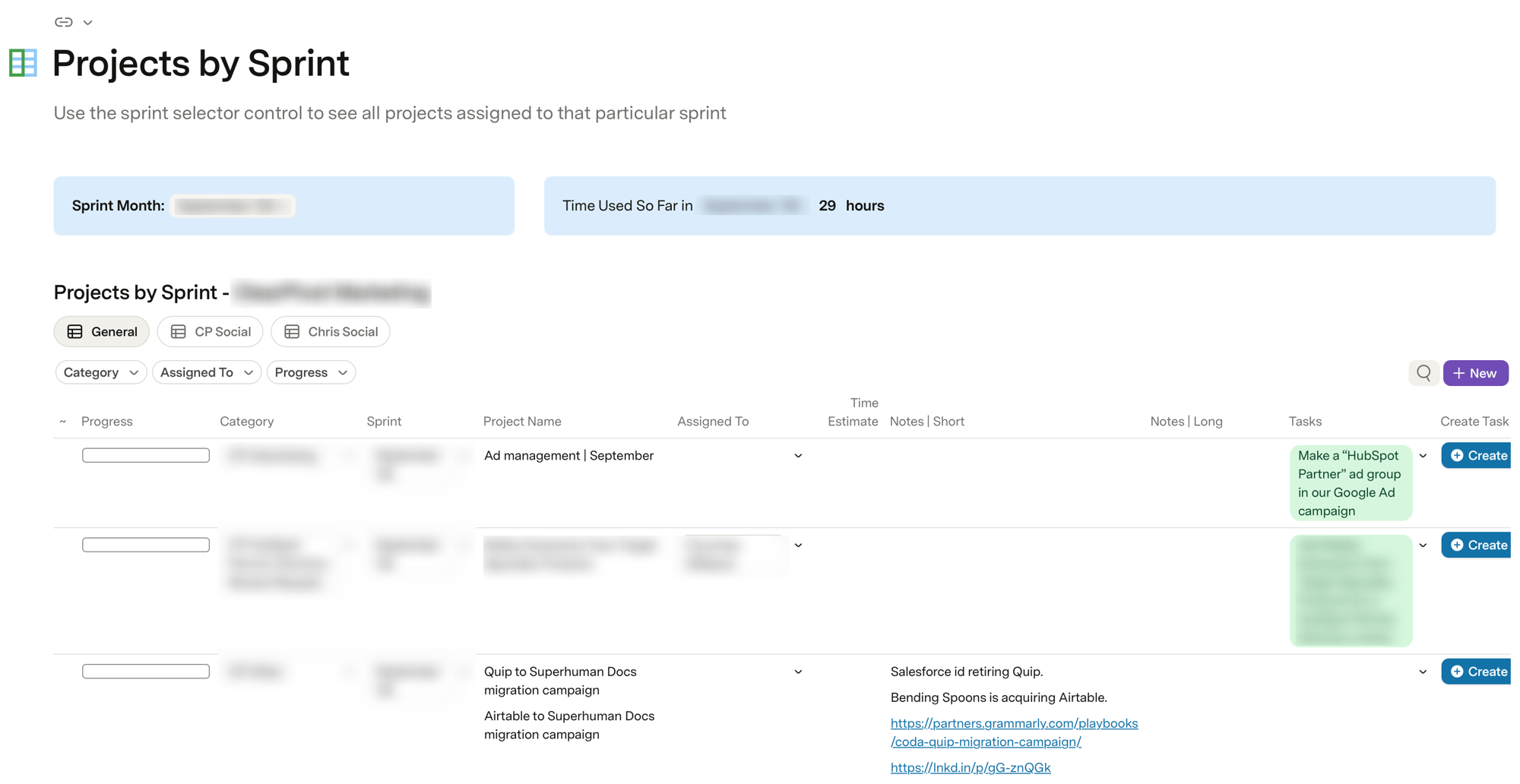
Manage the entire client service phase of the customer journey – marketing to sales to customer service – by syncing all your clients/companies into a Superhuman Docs project calendar. Once they are set up as a client/customer, when you mark their lifecycle stage in HubSpot they will show up on your client list in the project calendar, and you can assign a project manager to them. Then, as an example, you can build out filtered tables or filtered rows in the project table that shows all projects you’re working this month that are associated with this client.
Essentially, you’re using your CRM data to build a project calendar that runs your whole workload.
Use case #2: Internal operations
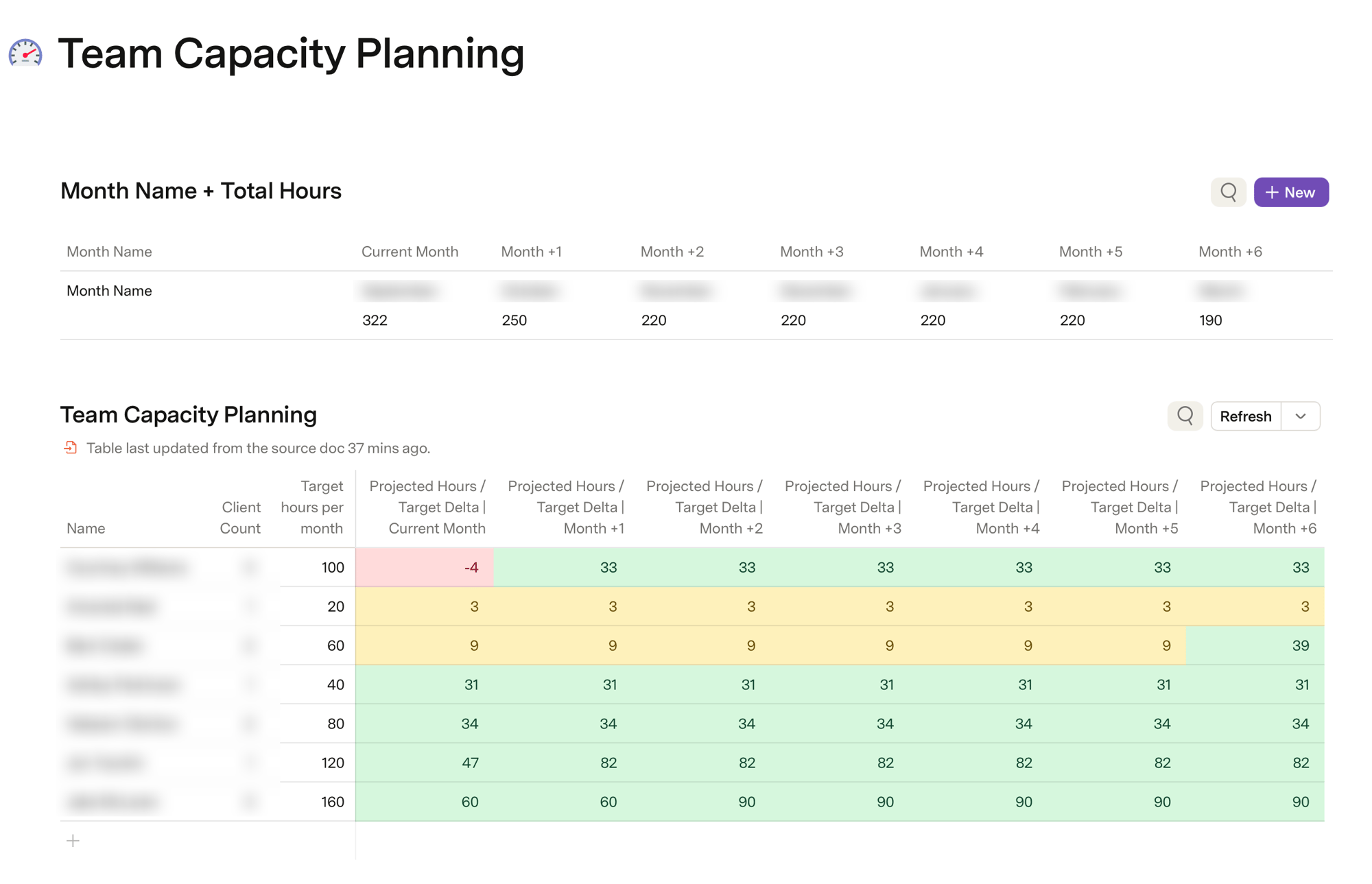
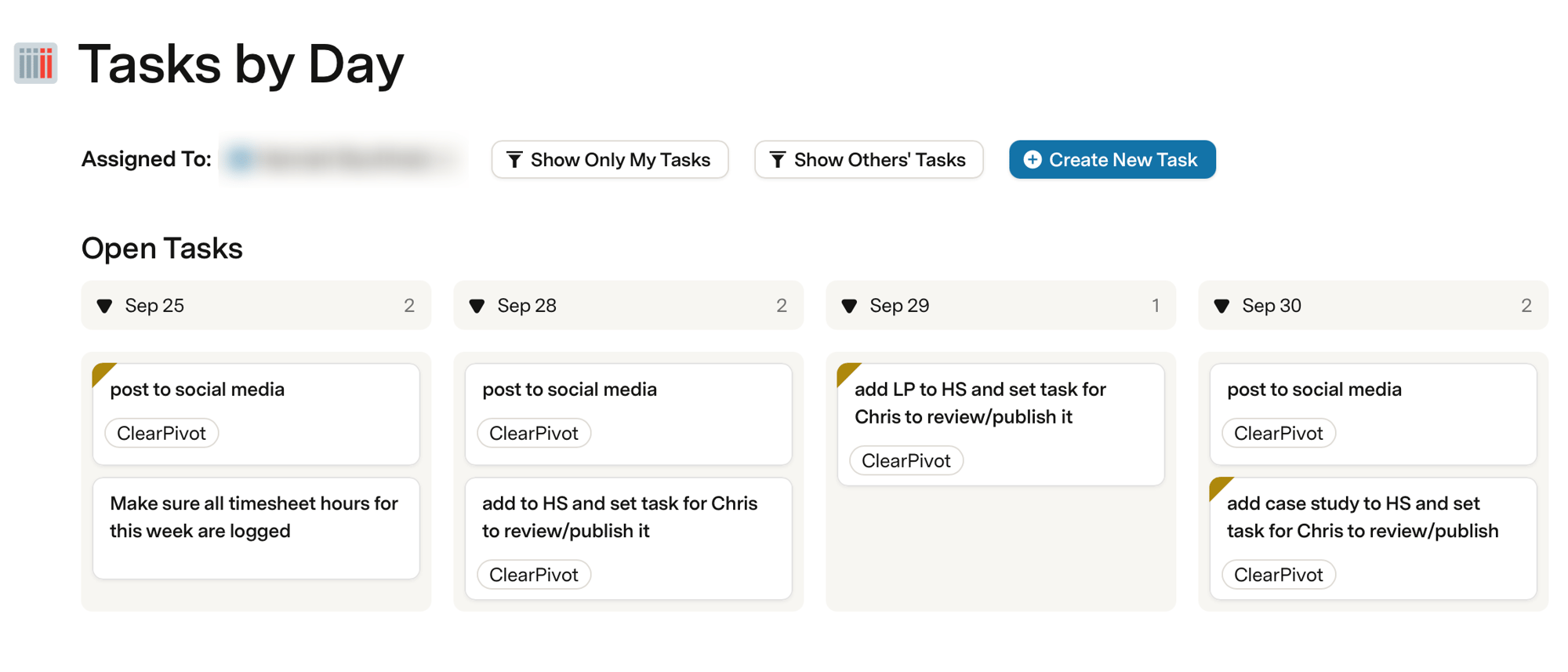
Integration allows you to associate timesheet records for budget tracking purposes. You can associate human resources records that show who is doing what. You can go into detail, adding task records to create a task table for tasks associated with your projects. Then you can filter those tasks by month and year for reporting.


Use case #3: Sales Forecasting
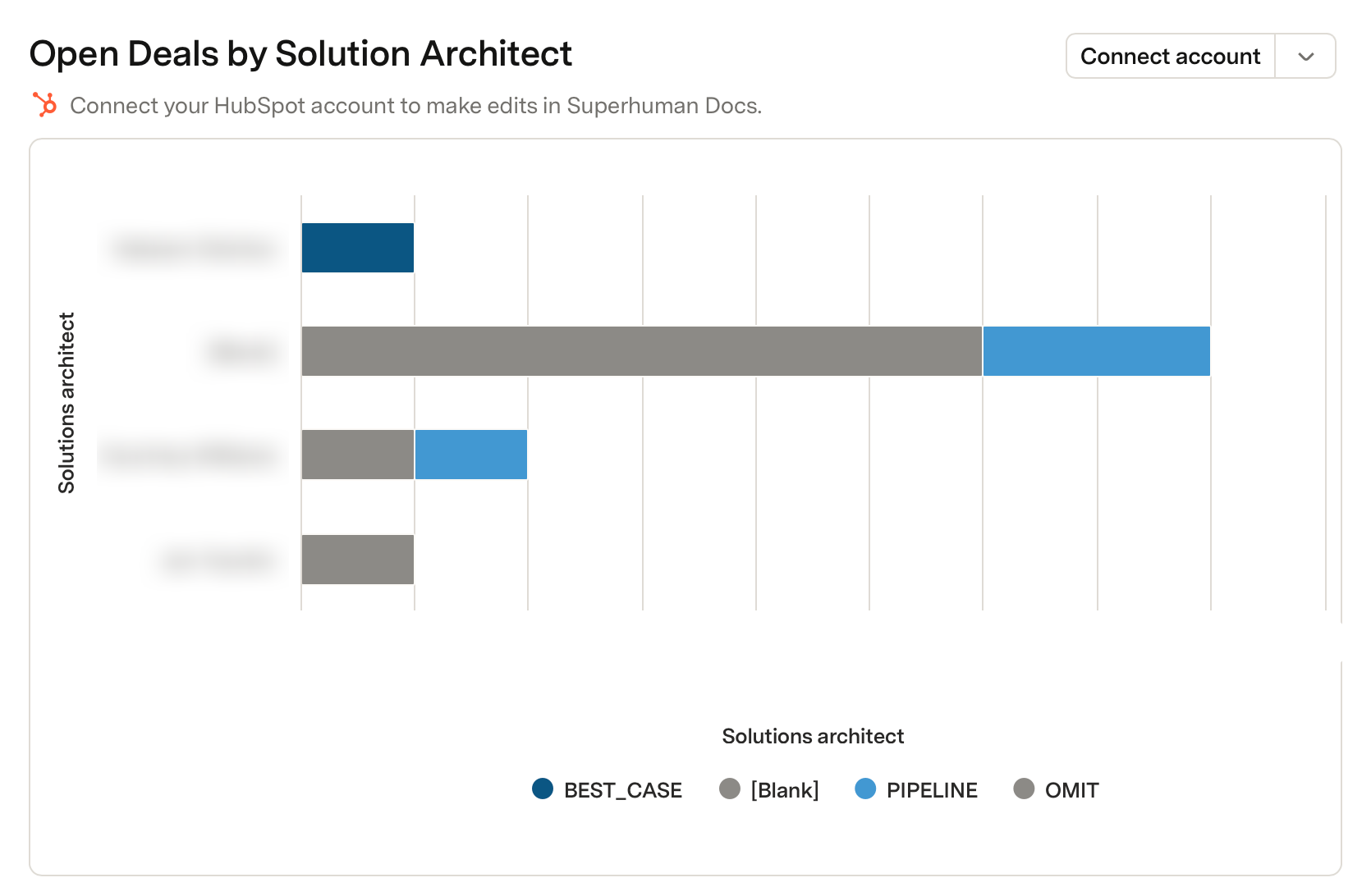
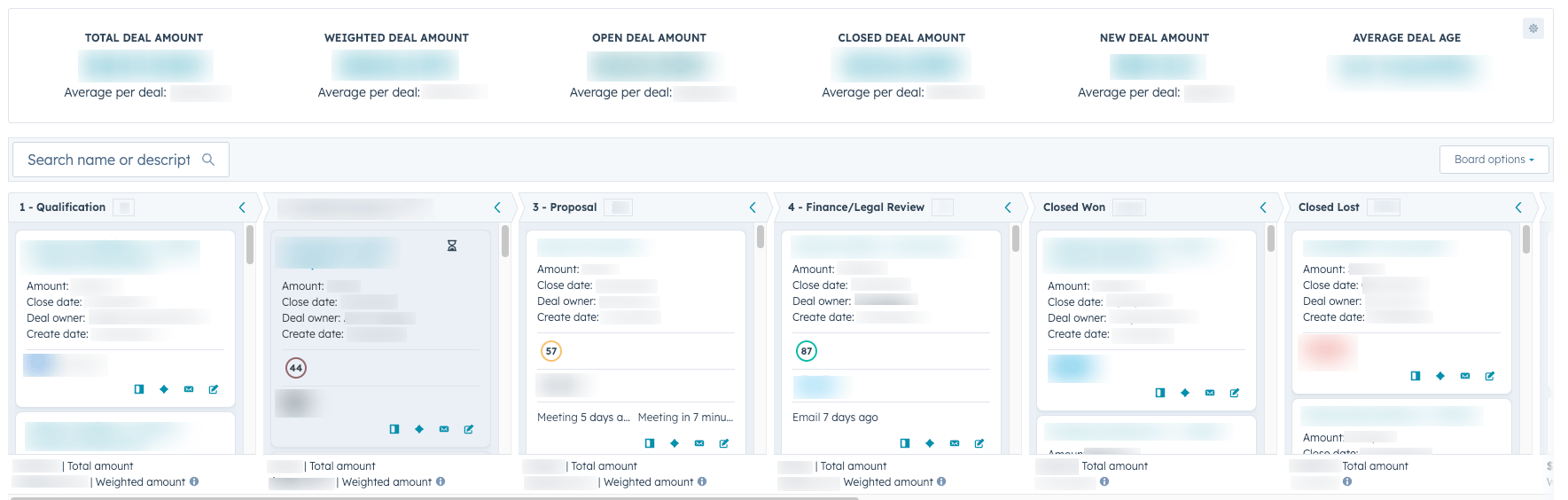
Superhuman’s own Revenue Operations team uses Superhuman Docs, integrating Salesforce and Databricks with a Superhuman Workspace. For example, they built out collaborative forecasting workspaces. Every week they do a sales forecasting meeting where their team goes through all the deals, discussing their current state, setting their forecast probability, and so on. Different teams report on their progress and the workspace enables all of them to collaborate without having to go through the typical manual Salesforce user access management, Databricks user management, etc. Everyone simply works together in one Superhuman doc.
Use case #4: Marketing
Integrating Superhuman Docs with your CRMs can significantly elevate event management. You can build out a workspace for all your event planning and execution, with associated documents, tables, and so on. Then, no matter what event registration platform you’re using, you can set up the details any way you want. You can have event signups go directly into your CRM showing each person’s registration status, then sync those attendees from the CRM into the event management document.
From there, you can manage capacity tracking, seating assignments, breakout room assignments, food and drink ordering – all the minutiae essential to event production.

Account planning & QBR docs
Create a doc per account that auto-hydrates deal, contact, activity, and open-ticket data, with rep-authored strategy alongside it.
Deal desk & approval workflows
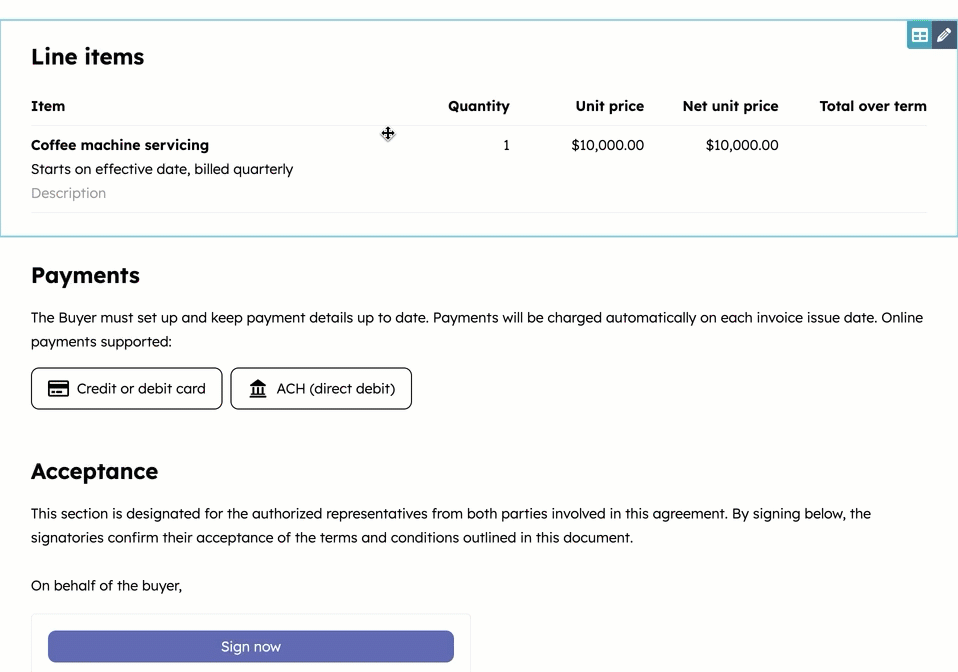
Non-standard pricing, discount tiers and legal review routed through a doc, with the approved outcome written back to the deal record.
Pipeline review & forecast submission
Reps submit commit/upside in the doc, rollups happen in Superhuman Docs's formula layer, and forecast category or custom fields sync back to Salesforce/HubSpot.
Mutual action plans & closed-won handoff
Customer-facing close plans tied to the opportunity, and a triggered onboarding/implementation doc when the deal closes. This bridges sales → CS, which widens the buying committee.
RevOps intake & CRM change management
Field requests, admin backlog, data dictionary and a change log.
Territory, quota, and comp modeling
Plan in the doc, push owner and territory assignments back to the CRM. Seasonal, high-stakes, and usually held together by Excel in most organizations.
Now that you see the possibilities, let’s talk about how ClearPivot’s Solutions Analysts go about tackling your customized Superhuman Docs integration.
What We Implement
A unified system that informs and simplifies collaboration among all RevOps teams
ClearPivot provides the following services to ensure each client’s Superhuman Docs + CRM integration is both correct and thorough:

Sync & data architecture
- Two-way sync configuration between Superhuman Docs and Salesforce/HubSpot objects — standard and custom
- Field-level mapping, data type coercion and picklist/enum reconciliation
- Sync direction and write-authority design (which system wins on conflict, per field)
- Record matching and dedupe key strategy so doc rows don't fork from CRM records
- Sync scope and filtering to stay inside row limits and API rate limits on large CRM instances
- Incremental vs. full refresh scheduling, and sync failure monitoring
Automation & workflow logic
- Button and automation design that writes CRM records from inside a doc
- Rule-based approval routing with CRM field writes on approval
- Templated doc auto-generation triggered by CRM lifecycle events (new opportunity, closed-won, renewal date)
- Cross-doc architecture so one CRM sync feeds many downstream docs without duplicate API load
- Formula-layer (CFL) modeling for rollups, weighted forecasts, tiering and scoring
- Bidirectional Slack notification and approval loops


Governance, security, and reliability
- Permission and sharing model design that respects CRM record-level visibility
- SSO/SCIM provisioning and access review setup
- PII handling and field exclusion for regulated data
- OAuth connection ownership and service-account strategy so syncs don't break when an employee leaves
- Staging/sandbox environment setup and change-promotion process
- Error handling, alerting, and audit logging on every sync path
Migration & consolidation
- Migration from Sheets/Excel/Smartsheet/Notion/Airtable into synced doc workspaces
- Retiring legacy point integrations and one-off CSV exports
- Reconciliation and validation passes post-migration

And the Result?
- Account plans no longer go stale — the strategy doc and the CRM record are the same live thing
- No more Monday morning spent rebuilding a forecast spreadsheet from a CRM export
- Deal approvals stop vanishing into Slack threads and start landing on the record
- Closed-won context carries into onboarding instead of falling on the floor
- Someone finally owns the sync — with error alerting, so silent failures don't corrupt your pipeline data
- Territory and quota planning stops being an annual Excel crisis with hand-entered assignments
- One partner who knows both sides — RevOps CRM architecture and the doc layer, not just one half
- Adoption is part of the build: templates, enablement, and a named internal champion
- Your CRM remains the source of truth, with reporting and attribution intact
Ultimately, your team members can do more and work easily on their own, plus everyone benefits from smoother and more effective collaboration.
WE DON’T HAND OFF UNTIL IT’S JUST RIGHT
Any integration is a complex process. We double-check every detail to see for ourselves that everything is working as expected in both directions. No glitches, no gaps, no confusion. We provide documentation to help you ensure implementation remains consistent into the future. We train your leadership and staff so everyone is comfortable with the new system and how to use it. And if you have questions or need something more later on, we’re always here for you.

Why RevOps Leaders Choose ClearPivot
Why RevOps Leaders Choose ClearPivot Achieving marketing, sales and customer success goals requires group effort. Different teams must function as a cohesive whole, and that requires effective collaboration. Superhuman Docs, HubSpot and other CRMs are all valuable on their own, but when properly integrated they can do more to enable and support your teams. That said, poorly designed integration can render them ineffective.
You need a partner who can get the job done right.
- HubSpot and Superhuman Docs specialists. ClearPivot is a partner agency with both HubSpot and Superhuman. We’ve spent years building go-to-market systems on HubSpot: lead generation and routing, pipeline governance, attribution, data architecture. We are also adept at the intricacies of customizing Superhuman Docs to meet the needs of diverse companies. We understand how these platforms work and how to connect them for peak performance.
- We start with your process, not the software. Our first step is always mapping your ideal-state customer acquisition and lifecycle. The configuration follows the vision – never the other way around.
- We build systems your team will actually use. Change management can sometimes feel like your biggest challenge. It’s tough to give up “the way we’ve always done it” even if it’s not working all that well. And, frankly, Superhuman Docs can feel a bit daunting to new users. We design systems your people will be eager to use once they see that it makes their job easier.
- You’ll look great to your CEO and board. Not only will your teams function more productively, you’ll have the numbers in hand to accurately show pipeline and revenue data, with clear attribution to marketing’s efforts and other KPIs.

What Our Clients Are Saying

Andrew was the embodiment of what I would want for every program I am learning! Andrew was a great listener who really took time to understand my needs from a company CRM perspective. He is an invaluable asset to ClearPivot! Thank you Andrew for all your expertise and guidance!
Blake Dillon
We recently partnered with Andrew Chao for our HubSpot onboarding, and I can't recommend him highly enough. Beyond being extremely knowledgeable about HubSpot, he was a fantastic person to work with. In every meeting, Andrew not only answered every question I had, but also provided actionable solutions and workflows that optimized how my team operates. What stood out the most was how seamless the entire onboarding process was. At a previous company, onboarding HubSpot took months. With Andrew, it took just a few weeks—one meeting per week and we were fully up and running. His combination of expertise, professionalism, and genuine care made all the difference. I'm incredibly grateful for how he guided us and would trust him with any future project! Next time I'm in Montreal we are going to go grab a beer! Cheers, ClearPivot
Gustavo Romero
Andrew made the HubSpot Marketing onboarding a really smooth experience. He was great at answering questions, but what stood out was how he always added extra insights and practical tips instead of just giving surface-level answers. He also shared best practices on both the marketing and sales side, which made the sessions way more valuable. It felt less like a walkthrough and more like actually learning how to use HubSpot effectively. Really appreciate his help!
Angie Hernandez
THE ABILITY TO COLLABORATE EFFECTIVELY IS A BOTTOM LINE BENEFIT
Superhuman Docs offers untold opportunities to boost collaboration and other efficiencies throughout your organization – if it is well-integrated with other key platforms. ClearPivot’s Solutions Analysts are here to help, contributing our Superhuman expertise and guidance to enhance your internal working processes so teams can do more and do it better. And isn’t that the definition of collaboration?